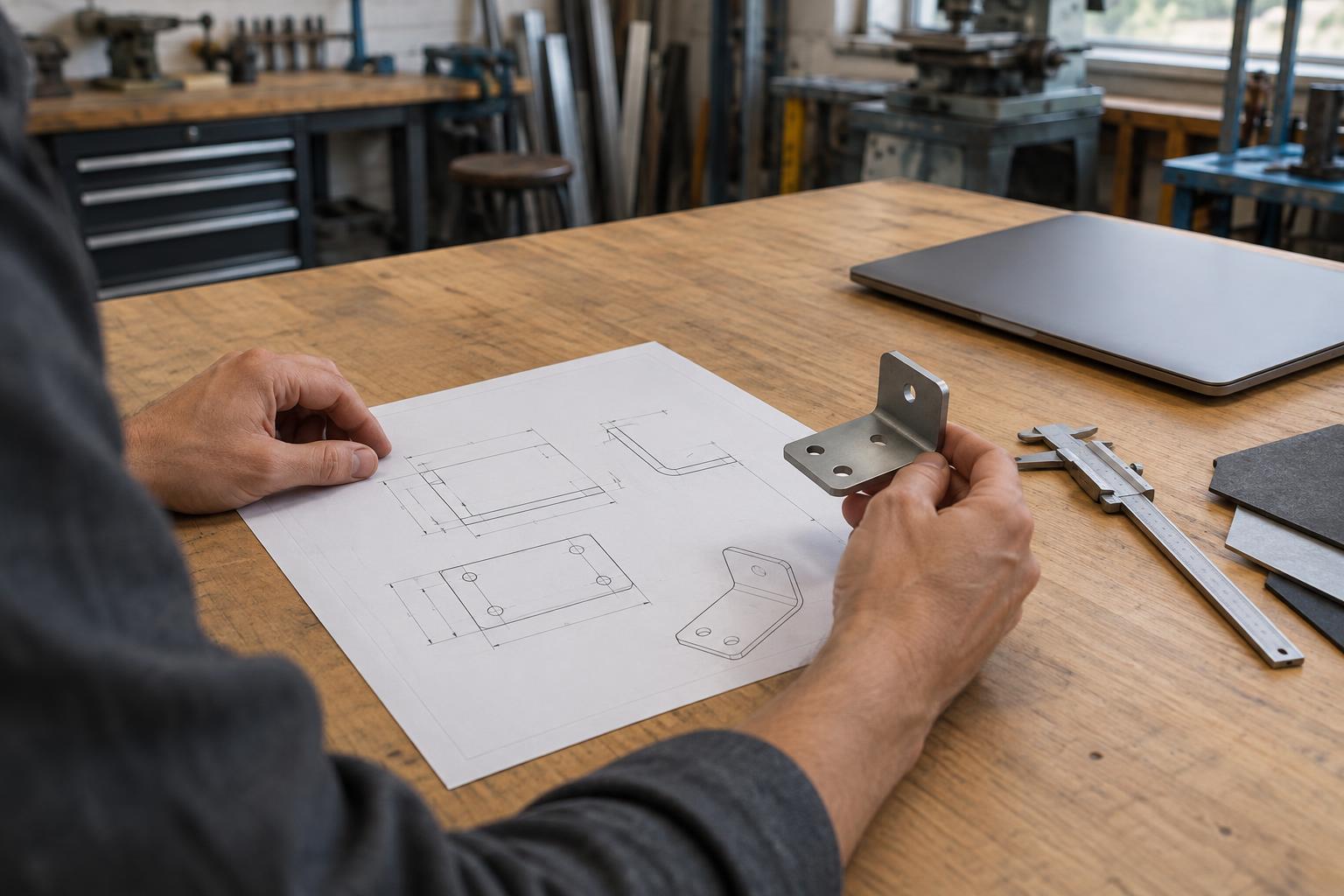
Start with the decisions the fabricator must make
A drawing is a working agreement between a designer and the people making a part. Its first job is to make the intended result understandable without asking the workshop to guess. Before adding dimensions, identify the part’s function: what must it fit, support, clear, align with or look like? Those answers help distinguish essential requirements from details that can be adjusted to suit the process.
Think through the questions a fabricator may face while setting up the work. Which face should be used as a reference? Does a hole need to line up with another component? Is an edge visible after assembly? Does the part need to come apart for maintenance? A short note or an assembly view can sometimes communicate these relationships more clearly than another page of isolated dimensions.
Make the drawing readable before making it dense
Begin with views that reveal the part’s overall form, then add sections or detail views where hidden features need explanation. Show the units, scale, part name and drawing revision in a consistent location. A drawing should remain understandable when printed or viewed on an ordinary workshop screen, so keep text legible and avoid placing notes over geometry.
Dimension features from meaningful reference faces or centerlines rather than chaining every measurement from the previous one. Chained dimensions can make it harder to see how an important feature relates to the rest of an assembly. Give enough information to make and inspect the part, but avoid repeating a dimension in several places: conflicting values create uncertainty about which one governs.
Specify tolerances according to function, not habit. A close-fitting feature may need a tighter range than an outside edge with no mating role. Applying tight tolerances everywhere can restrict practical manufacturing choices without improving the product. Where an edge break, surface appearance or orientation matters, state the requirement in words that a maker can act on rather than relying on an ambiguous visual impression.
Connect geometry to materials and methods
A CAD model describes geometry, but it may not explain how a part should be made. Pair it with a clear material specification, including the form of stock when that affects the result. Sheet, bar, casting and printed parts can present different constraints even when their finished shapes look similar. If a particular process is required, say so; if equivalent approaches are acceptable, leave that choice open for discussion.
Consider process-sensitive details before releasing a design. Internal corners, bend locations, tool access, grain direction and joining methods can influence whether a feature is straightforward to produce. Surface finish notes should distinguish visible or handled areas from surfaces whose appearance is less important. That gives the workshop a clearer basis for proposing an alternative when the original detail is difficult or wasteful to make.
Assemblies deserve their own explanation. A simple exploded view or parts list can show how components fit together and which items are bought rather than fabricated. For fasteners and other standard components, identify the properties needed for fit and use. Do not assume that the positions shown in an attractive rendering will answer practical questions about access, clearance or assembly order.
Treat the digital handoff as a controlled package
Send files in formats agreed with the recipient. A native CAD file may preserve editable features, while a neutral model can help another system read the geometry; a drawing PDF provides a stable reference for notes and dimensions. These files should tell the same story. If the model and drawing differ, make clear which document controls and resolve the discrepancy before work begins.
Use descriptive filenames and a revision identifier shared across related files. Keep superseded versions out of the active handoff folder, or mark them clearly as obsolete. Include a brief release note describing what changed since the last issue, especially when a change affects a mating feature, material or process. This is useful even for a small project: it helps prevent someone from fabricating an earlier design simply because it was the first file they opened.
Build in a review before fabrication starts
The best time to find an unclear requirement is before material is cut. Ask the fabricator to review the package for missing dimensions, uncertain references and features that are difficult to make or inspect. Invite specific alternatives rather than a general approval. A proposed adjustment to a bend, joint or stock size may preserve the part’s purpose while simplifying production.
When a question leads to a design change, record the answer in the drawing or release package rather than leaving it only in a message thread. Then check the updated model, drawing and parts list together. A clear handoff does not eliminate conversation; it gives that conversation a reliable starting point and leaves a record of the decisions needed to turn a design into a usable object.