Start with the action, not the control
A product designer may begin by choosing a button, dial, lever, or touch surface. A more useful starting point is the action a person needs to take. What are they trying to change? How precisely must they change it? Can they see the result while operating the control? The answers help determine whether the action calls for a quick switch, a graduated adjustment, or a control that requires deliberate effort.
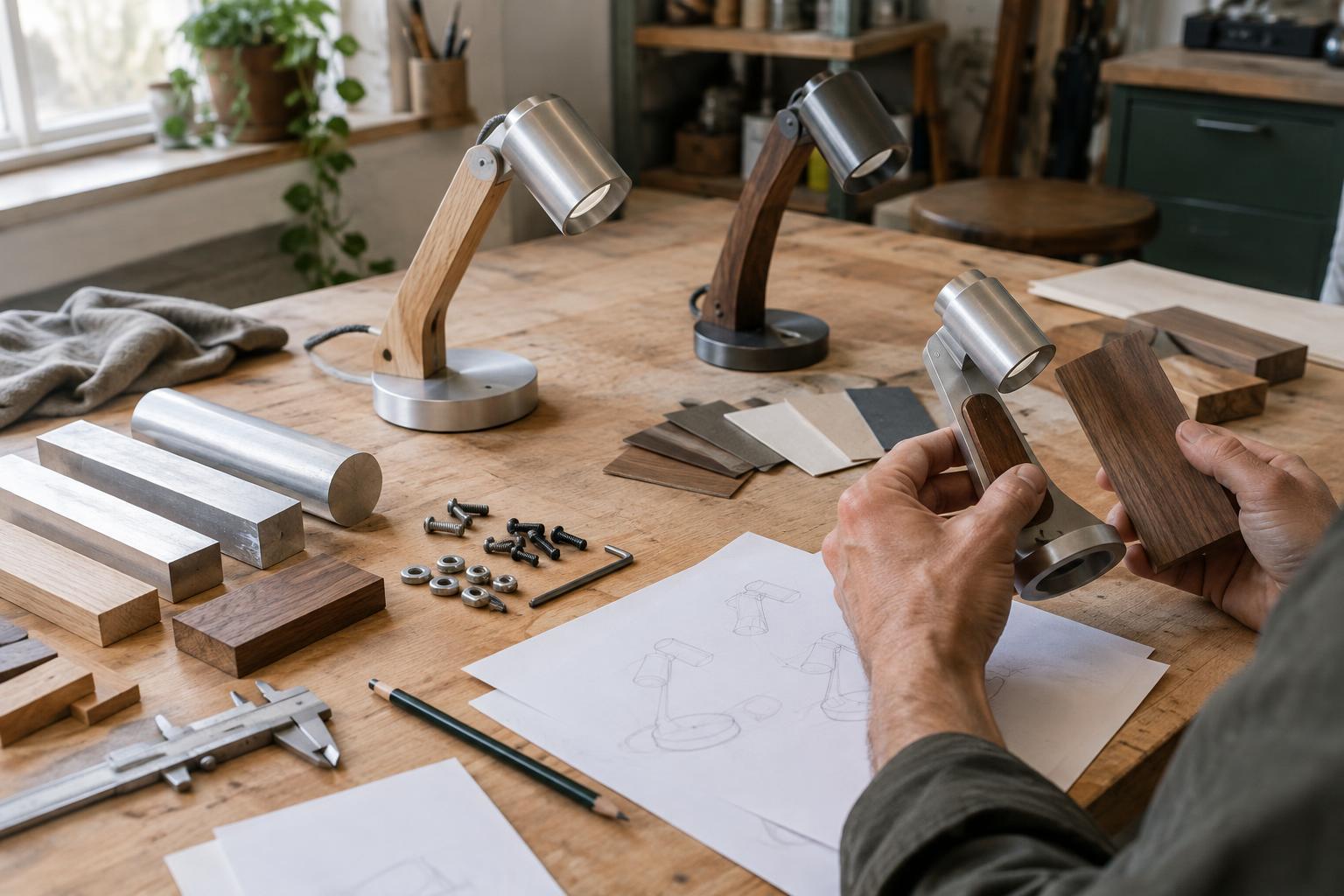
Consider an adjustable workshop lamp. A switch should be easy to locate when the lamp is off, while an angle adjustment should allow a person to move the head and then leave it in place. Giving both tasks identical buttons would make a simple product harder to understand. Listing the product’s main tasks, including setup, routine use, cleaning, and recovery from mistakes, reveals where controls are needed and where they would only add complexity.
Make the layout match the result
People form expectations from position, shape, and movement before they read a label. When several controls correspond to several parts of a product, placing each control near its associated part can reduce guesswork. Where that is not possible, a consistent arrangement helps: a row of controls should follow the same order as the features they operate. A dial that turns toward a clearly marked higher setting is easier to interpret than one whose direction changes meaning from one product function to another.
Labels remain valuable, but they should clarify a control rather than carry the entire explanation. Short, specific words are often more useful than invented names or crowded symbols. If a setting has distinct positions, visible markings and a pointer can show both the available choices and the current selection. The control itself also needs room to be used: nearby surfaces, gloves, poor lighting, or a hand holding the product may change what feels comfortably reachable.
Let materials and movement communicate
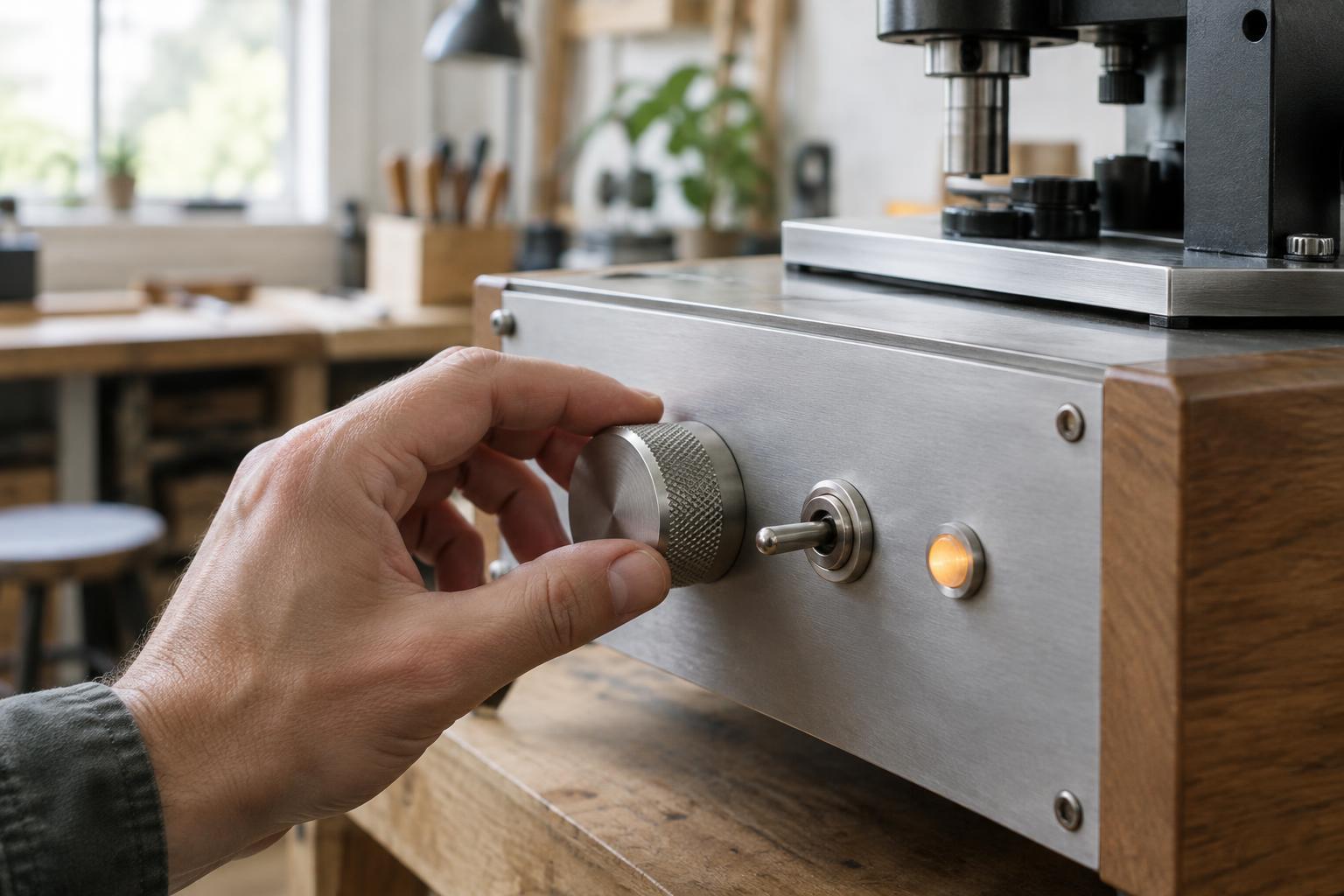
Physical details can make controls distinguishable without demanding constant visual attention. A raised edge may help someone find a frequently used switch. A textured dial can be easier to grip than a smooth one, while a firm stop can make its range clear. These details should relate to function rather than serve as decoration. If two controls perform very different tasks, giving them different shapes or motions can help prevent accidental substitution.
The resistance of a control is also part of its message. A control used for a minor, frequent adjustment should not feel unexpectedly difficult to move. One that could interrupt an important operation may benefit from a more deliberate action or protective placement. These are design choices to test on the actual product: material finish, manufacturing tolerances, wear, and assembly can all change how a control feels compared with an early model.
Show what happened, and what is happening
Feedback closes the gap between an action and its result. A click can confirm that a switch has moved; a pointer can show a dial’s setting; a visible change in the product can show that an adjustment took effect. The best feedback is close in time and location to the action. If someone presses a control and nothing perceptible happens, they may press it again, wait unnecessarily, or assume the product has failed.
Different messages deserve different signals. A steady indication of an active state should not be easily confused with a warning or a completed task. Color can help distinguish states, but it should not be the only cue when position, text, shape, or pattern could reinforce the meaning. Feedback should also be proportionate: adding a light or sound to every action can make the important signals less noticeable. Where a product takes time to respond, an indication that it is still working can be more useful than an immediate signal that merely confirms a button press.
Test the whole interaction
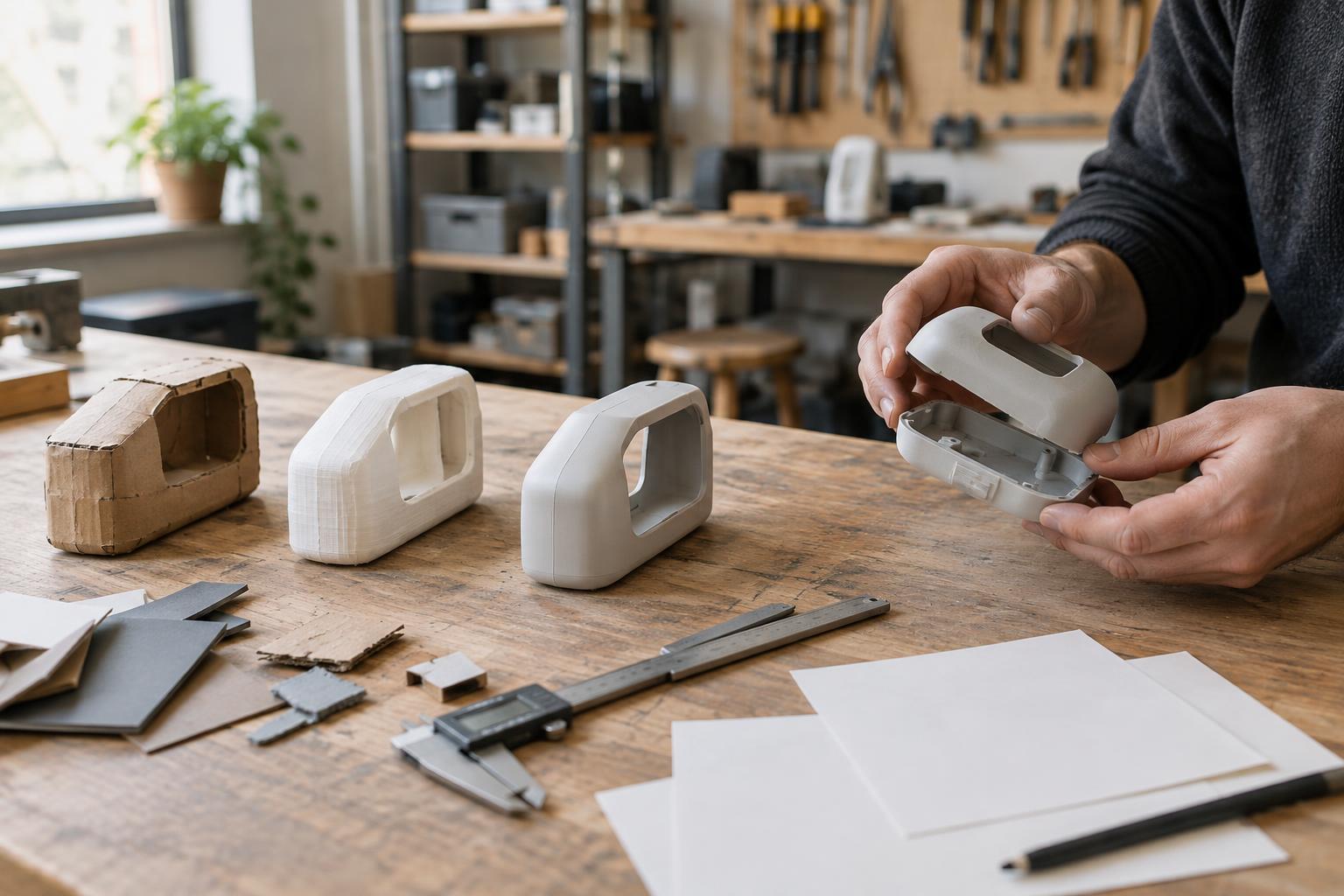
A drawing can show where a control sits, but it cannot fully show how the interaction feels. Even a simple prototype can answer useful questions: Can someone find the control without prompting? Do they predict what it will do? Can they tell when the action is complete? Watching a person attempt a realistic task is often more revealing than asking whether a layout looks clear. Confusion about a label, a missed indicator, or repeated attempts to operate a part all point to something worth revising.
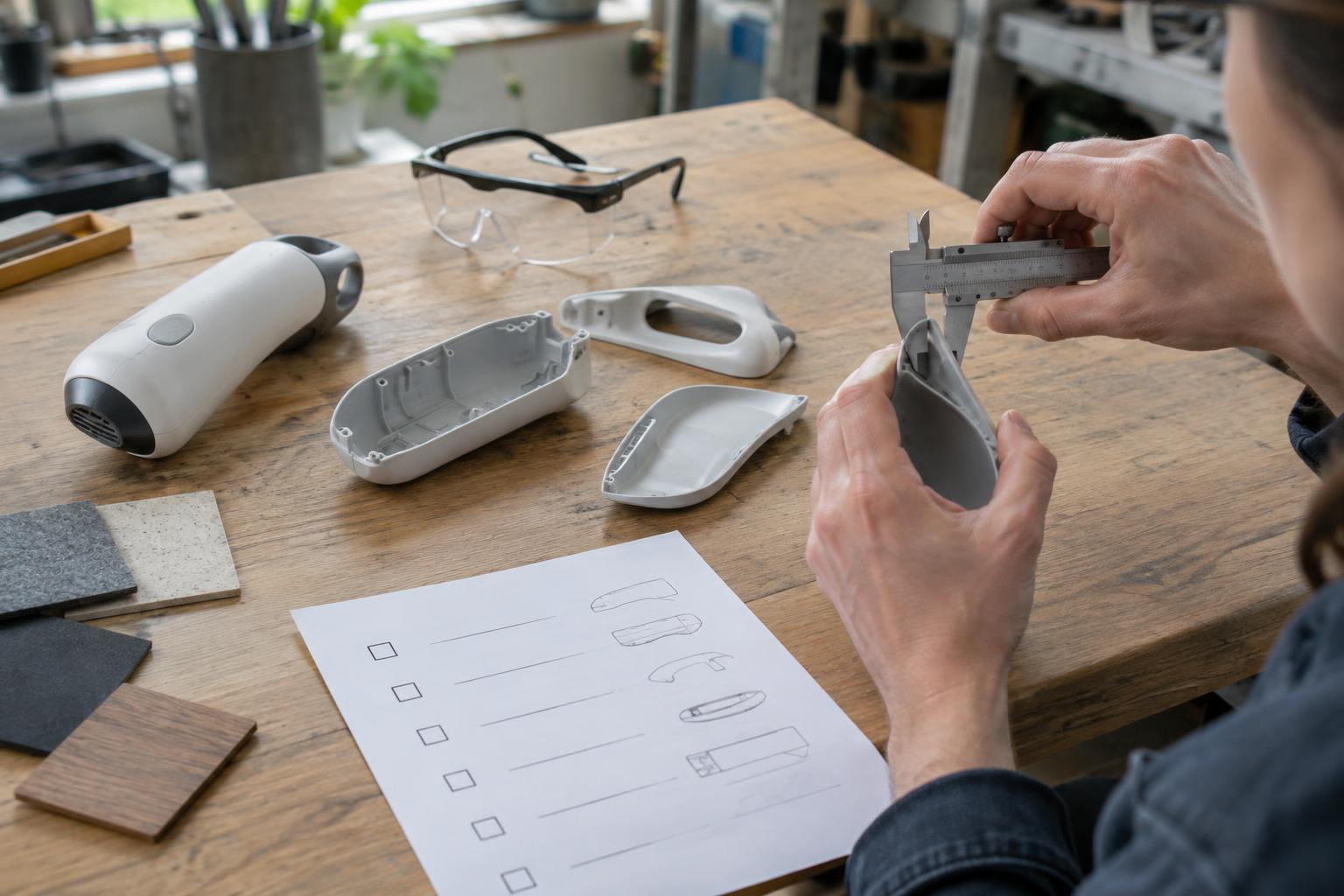
Testing should include the conditions in which the product will be used, not only a tidy presentation table. Try the expected grip, viewing angle, lighting, and any relevant gloves or obstructions. Then check the design again after choices about materials, finishes, and assembly have been made. Clear controls are not simply added at the end of product development. They emerge when the intended action, the physical form, and the feedback are designed together.