Start with a plausible repair
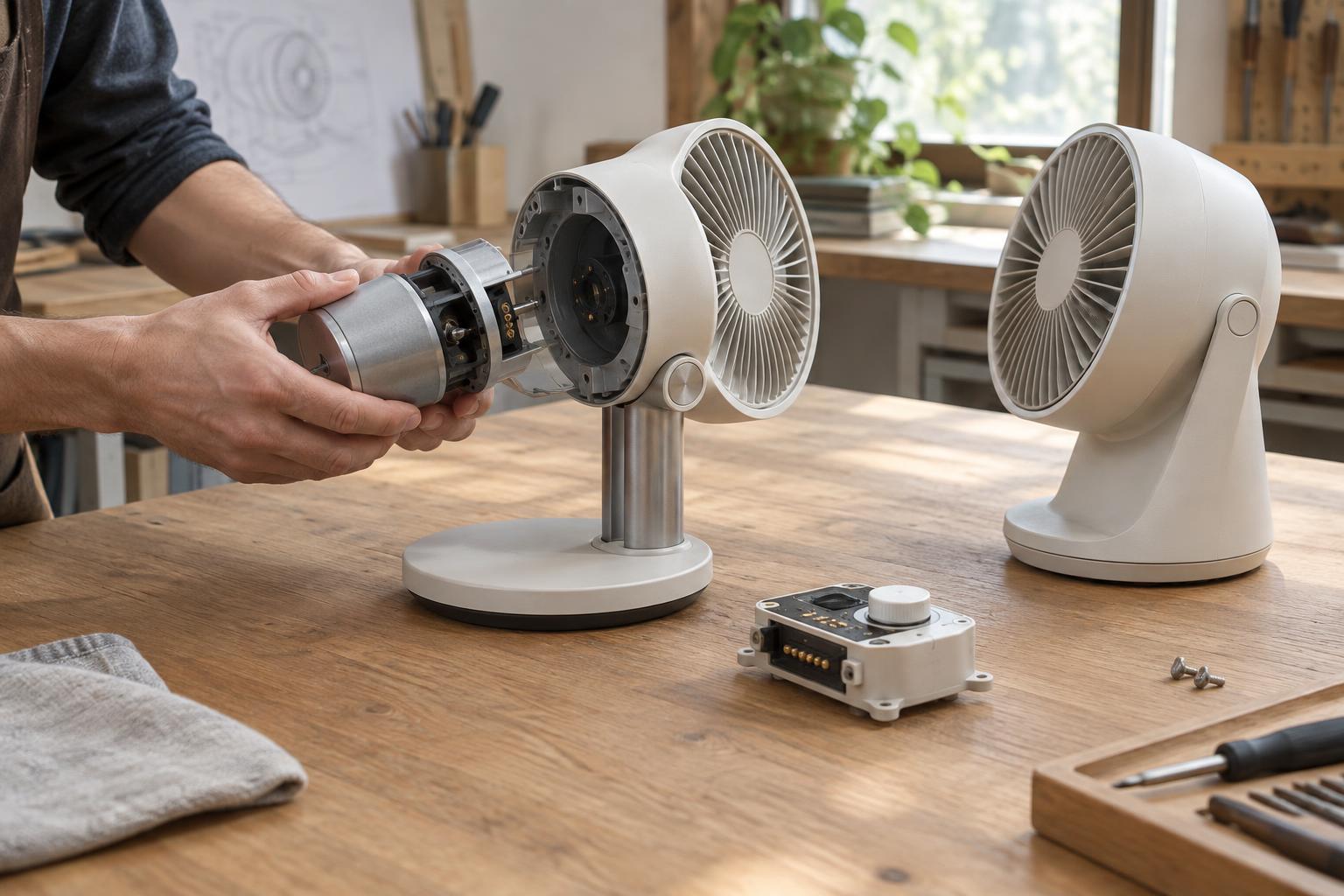
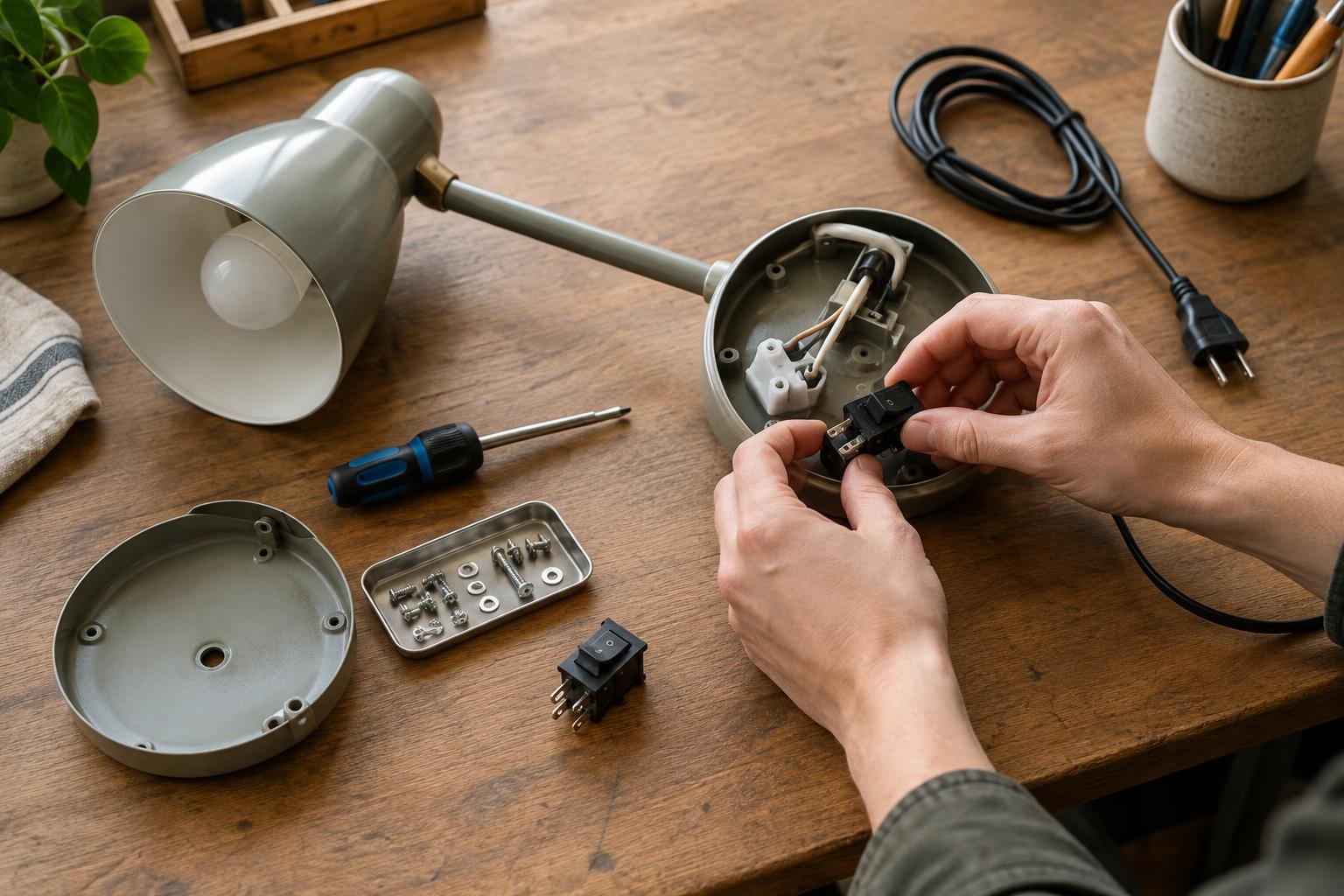
A product is not repairable simply because it can be taken apart. Someone must be able to identify what has failed, reach the affected part, obtain a suitable replacement, and reassemble the product without introducing a new fault. Product teams can test these steps early by imagining common service tasks: replacing a worn seal, a switch, a handle, or a damaged panel.
For each task, trace a route from the intact product to the part and back again. Note which tools are needed, what must be moved out of the way, and whether any component is likely to be damaged during removal. This exercise can reveal a design that looks straightforward on a drawing but becomes awkward at the workbench.
Make access deliberate
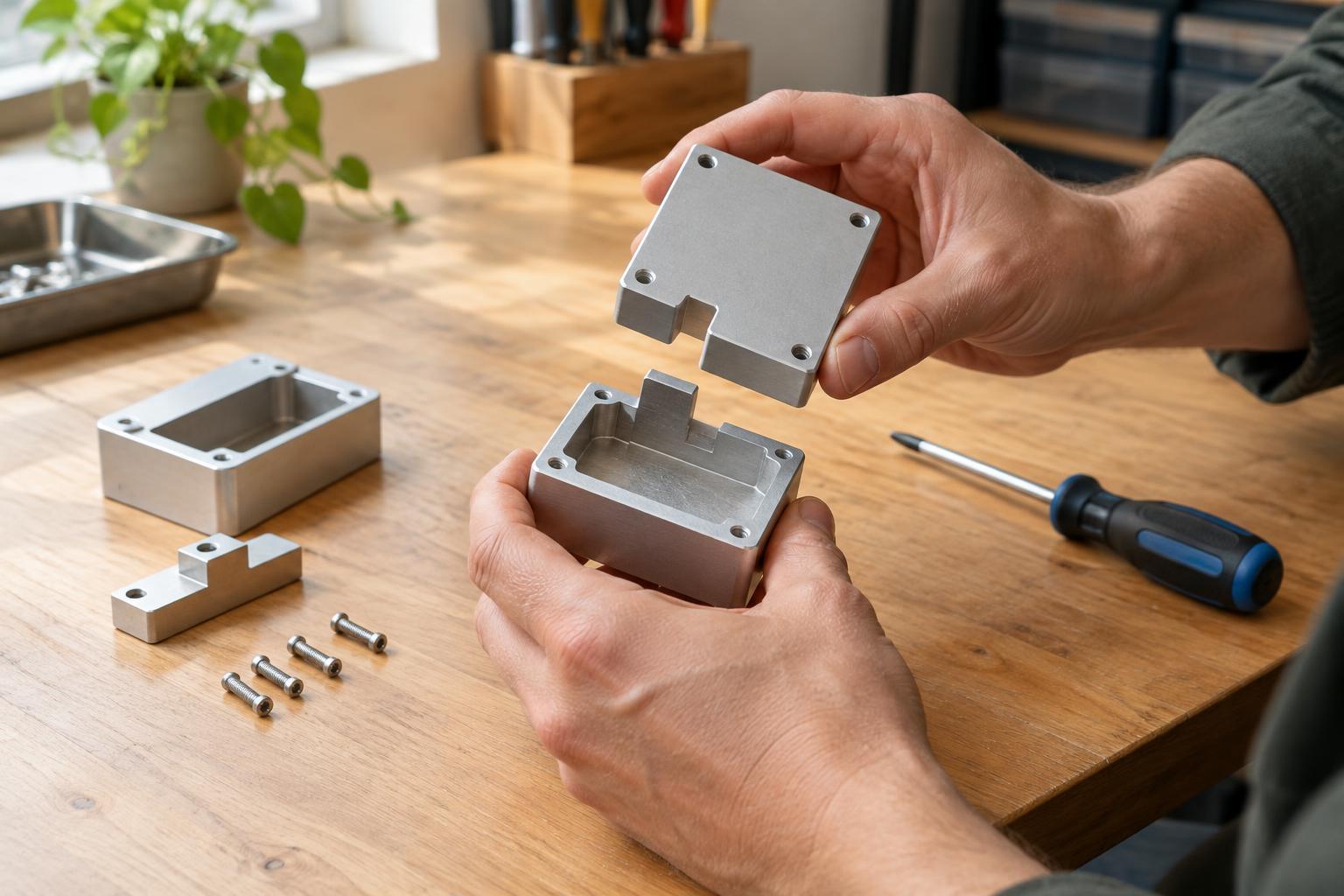
Access begins with the layout. A frequently serviced component is easier to replace when it sits behind a removable cover rather than beneath several unrelated assemblies. Fasteners should be visible or clearly located, with enough space for a tool and a hand to work. Where appearance calls for concealed fixings, the method of opening the product should still be discoverable without guesswork or prying at fragile edges.
The choice of joint matters too. Screws, clips, adhesives, and welds each serve different purposes; none is automatically right for every product. A clip may allow quick opening but break if its release point is unclear. An adhesive bond may help seal an enclosure but make a small repair destructive. Designers can reserve permanent joints for areas that do not need service, while giving likely wear points a repeatable way in and out.
Access must also account for safe handling. Covers can expose sharp edges, tensioned parts, or electrical connections. Clear separation between a user-accessible part and a part requiring specialist service can make the intended repair route easier to understand.
Design parts that can actually be replaced
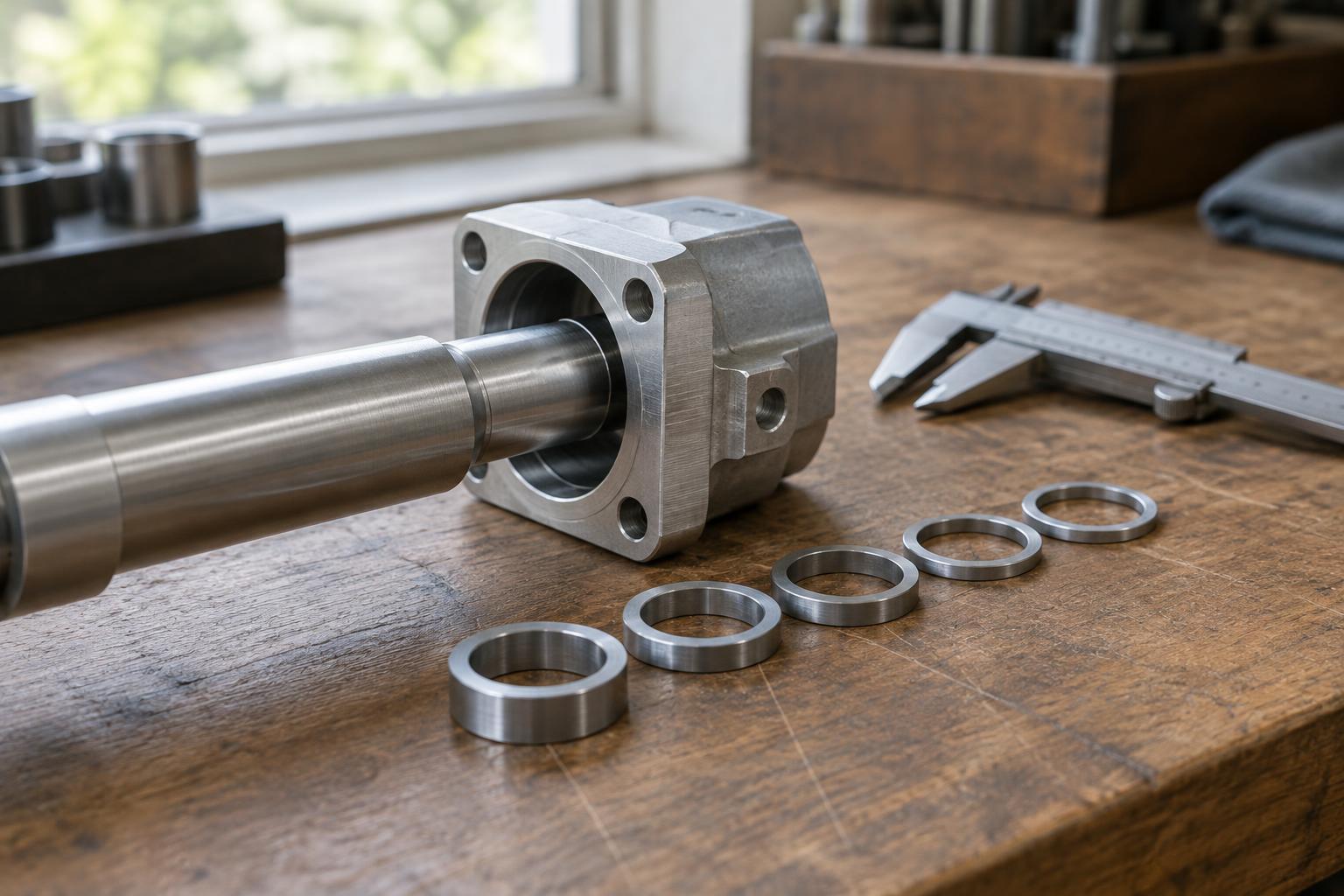
Replaceability depends on more than a removable fastener. A replacement part needs a defined shape, fit, orientation, and connection method. If a small wear item is permanently joined to a much larger assembly, repairing one fault may mean discarding otherwise sound material. Separating likely wear items into sensible modules can reduce that burden, provided the extra joints do not weaken the product or make it unnecessarily complex.
Consistency helps. Using a limited range of fastener types, marking parts that could be fitted backward, and providing locating features can reduce mistakes during reassembly. Tolerances also matter: a spare that fits only after extensive adjustment is difficult to use reliably. During development, a prototype can be disassembled, fitted with a fresh part, and reassembled to check whether the intended process works in practice.
A replaceable design also needs a way to identify the correct spare. A part number or clear description on the component, packaging, or service information can help distinguish similar versions. Designers should consider how a replacement will remain identifiable if the product changes over time.
Write instructions for the person doing the work
Service instructions connect the design to its real-world use. They should state the product variant, required tools and parts, preparation steps, removal sequence, and checks after reassembly. A simple diagram or photograph can clarify the location of a hidden fastener or the orientation of a seal. Warnings are most useful when placed next to the step where the hazard or risk of damage arises.
Good instructions do not hide difficult steps behind phrases such as “remove the assembly.” They explain which fixings to release, what should remain connected, and how to recognize that a part is seated correctly. If a task should be performed only by someone with specific training or equipment, that boundary should be stated plainly rather than leaving readers to infer it.
Instructions deserve a practical test. Ask someone who did not design the product to follow them using the stated tools and parts. Their pauses and mistakes can reveal missing information—or a design feature that would be better changed than explained.
Treat repair as a design test, not an afterthought
Repairability involves trade-offs. Extra access panels and modular connections may add parts, assembly steps, or potential points of failure. The goal is not to make every component individually removable; it is to choose repair routes that suit the product’s likely faults, expected use, and construction.
A useful development review can therefore pair each likely repair with a physical test: open the product, replace the part, close it, and check that it still works as intended. Record damaged fixings, confusing steps, and parts that cannot be identified. Small changes to layout, fastening, labeling, or instructions may turn a theoretically repairable product into one that people can realistically keep in use.