Treat assembly as part of the design
A part can be easy to manufacture yet awkward to put into a product. A hole may be accurately placed but hidden behind another component. Two pieces may fit perfectly in the intended orientation and almost as well in the wrong one. These problems are often discovered at the bench, where a worker must compensate with extra checks, careful positioning or a different tool.
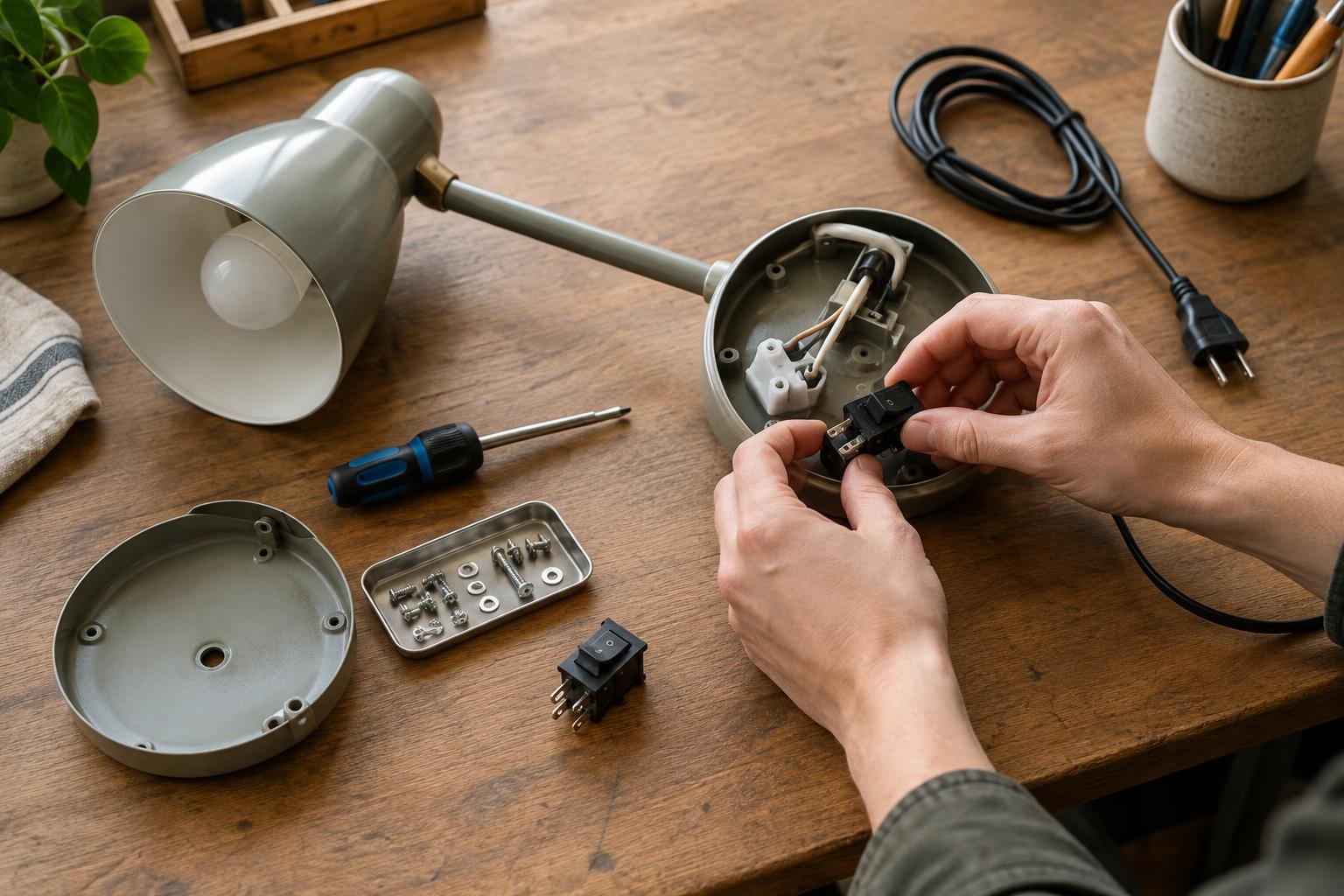
Designing for assembly means considering the sequence of actions needed to turn individual parts into a finished product. At each step, ask how the next part is picked up, oriented, located, held and secured. Consider what the assembler can see and reach, and whether the partly assembled product remains stable. This view does not replace skilled work; it gives that skill a more reliable starting point.
Make the correct orientation apparent
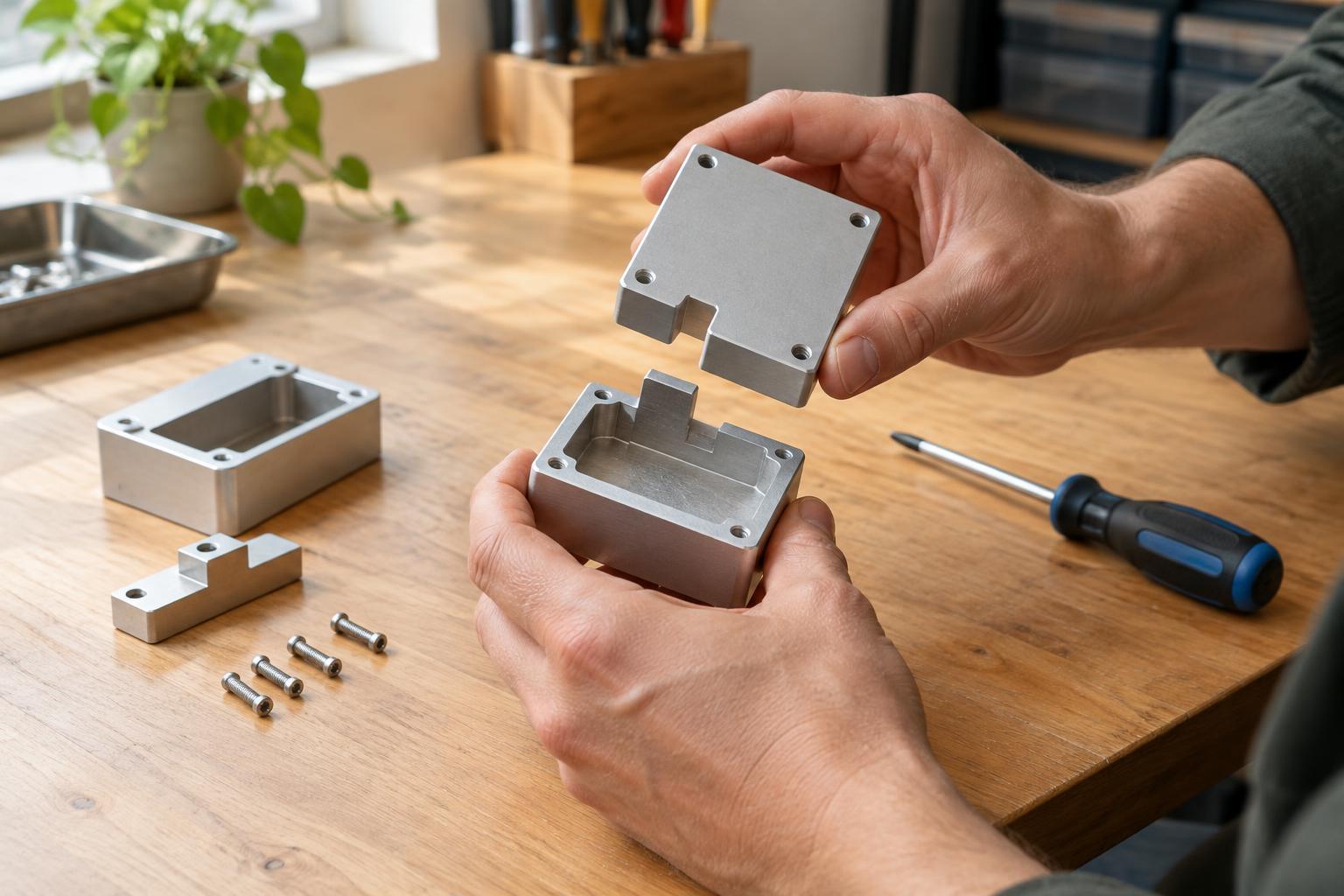
Parts that can be installed in more than one position deserve particular attention. A symmetric-looking bracket with one critical offset, for example, may invite reversal. Where practical, a distinct shape, an asymmetric hole pattern or a locating feature can make the correct orientation clear. A feature that prevents an incorrect fit is usually more dependable than a mark that someone must remember to check.
Visual cues still have a place, especially when a shape cannot be changed. Marks should remain visible at the moment they are needed and survive normal handling. If parts are supplied in trays or batches, their presentation can support the design: consistent orientation reduces the need to turn each item over to identify it. The aim is not to add a cue to every surface, but to remove ambiguity at steps where a mistake would be easy to make or difficult to detect.
Give hands and tools enough room
Assembly needs space, not just for the final position of a component but for the motion that gets it there. A fastener may have a clear location on a drawing while leaving too little room for a driver, fingers or a holding fixture. Likewise, a cable route may look tidy in the finished product but require a sharp bend during installation. Checking approach paths and working clearance early can prevent awkward assembly steps later.
The order of assembly matters as much as access to individual features. A component installed early might block a fastener needed later, while a part left until the end may be difficult to align. Sketching a simple sequence or walking through it with sample parts can expose these conflicts. Where a product needs a temporary clamp, support or special tool, decide whether that aid is appropriate for the expected workshop process rather than assuming it will appear when needed.
Use fits and fasteners deliberately
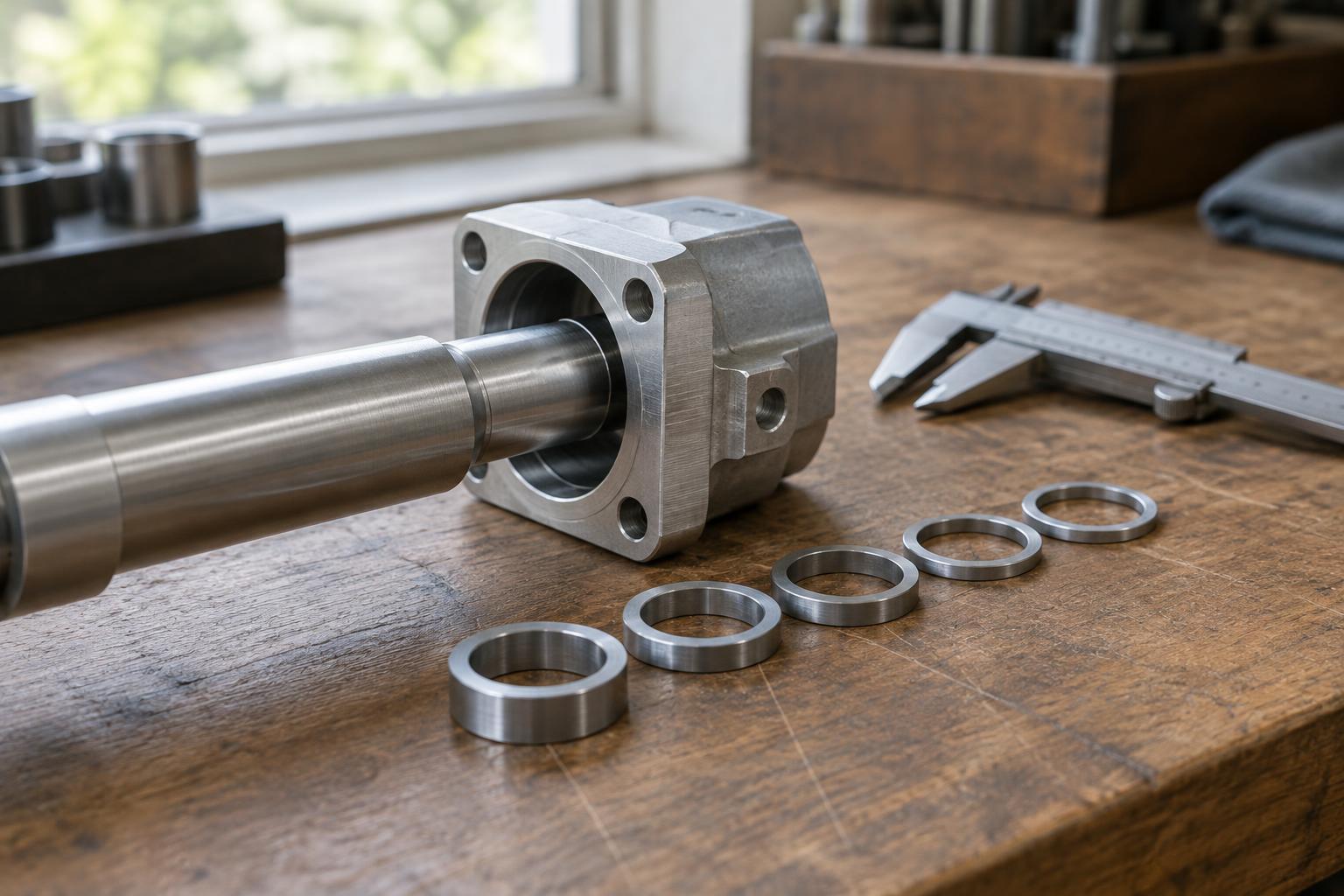
Locating features can help parts settle into position before they are secured. Tabs, shoulders, pins and lead-ins may reduce the need to hold several pieces in alignment at once. They still need suitable clearance: an overly tight fit can turn a helpful guide into a point of force or damage. Material variation, coatings and the effects of the chosen production method should be considered when setting dimensions and tolerances.
It is also worth reviewing the number and variety of fasteners. Using fewer types can simplify picking and tool changes, but standardization should not override the needs of the joint. A fastener must still suit the materials, available space and expected use. Where similar fasteners cannot be avoided, a design that makes their locations visibly distinct can reduce mix-ups. Ease of later disassembly may matter too, particularly for products expected to be repaired.
Test the design with a real assembly
Drawings and digital models are useful for checking geometry, but a physical assembly reveals handling problems that are easy to miss on screen. Try building an early sample in the intended order with representative tools. Note any moment when a part needs to be forced, held in an uncomfortable position, identified by a subtle difference or removed to reach something behind it. Those moments are opportunities to improve the design, not merely to rewrite the instructions.
Repeat the exercise after meaningful design changes, and invite someone unfamiliar with the prototype to follow the proposed sequence. Observe where they hesitate without treating every pause as user error. A good revision might alter a locating feature, move a fastener, clarify a part’s orientation or change the order of operations. The strongest result is not necessarily the assembly with the fewest steps; it is one in which each step is clear, accessible and easy to verify before the next begins.